Every product type
List, add, and edit simple, variable, grouped, and external/affiliate products from one clean frontend screen.
The frontend dashboard for WooCommerce
See products, orders, coupons and analytics at a glance — then update them right from the dashboard, with AI drafting your content and images. No switching admin screens.
No account.
Free forever.
Interactive demo of the StoreSuite app in a desktop window: the sidebar switches between the dashboard, products and orders screens, and the window can be moved by dragging its title bar.
yourstore.com/store-dashboard
Get StoreSuiteBuilt for the modern Woo stack
How it works
Actionable. Flexible. Yours.
AI Studio
Type a hint and StoreSuite drafts the title, short and long description together — then generates featured and gallery images from a prompt. Regenerate any field until it fits, with a full history pager per field.
Add product
Generate with AIOne workspace
Simple, variable, grouped and external products, created and edited from the frontend. Orders with full line-item detail, plus categories, tags, brands, attributes and coupons. No wp-admin tabs.
Welcome back
Store overview
Net sales
$48.2k
+18%
Orders
1,284
+9%
Avg. order
$37.5
+4%
Net sales
Last 12 weeks
Analytics
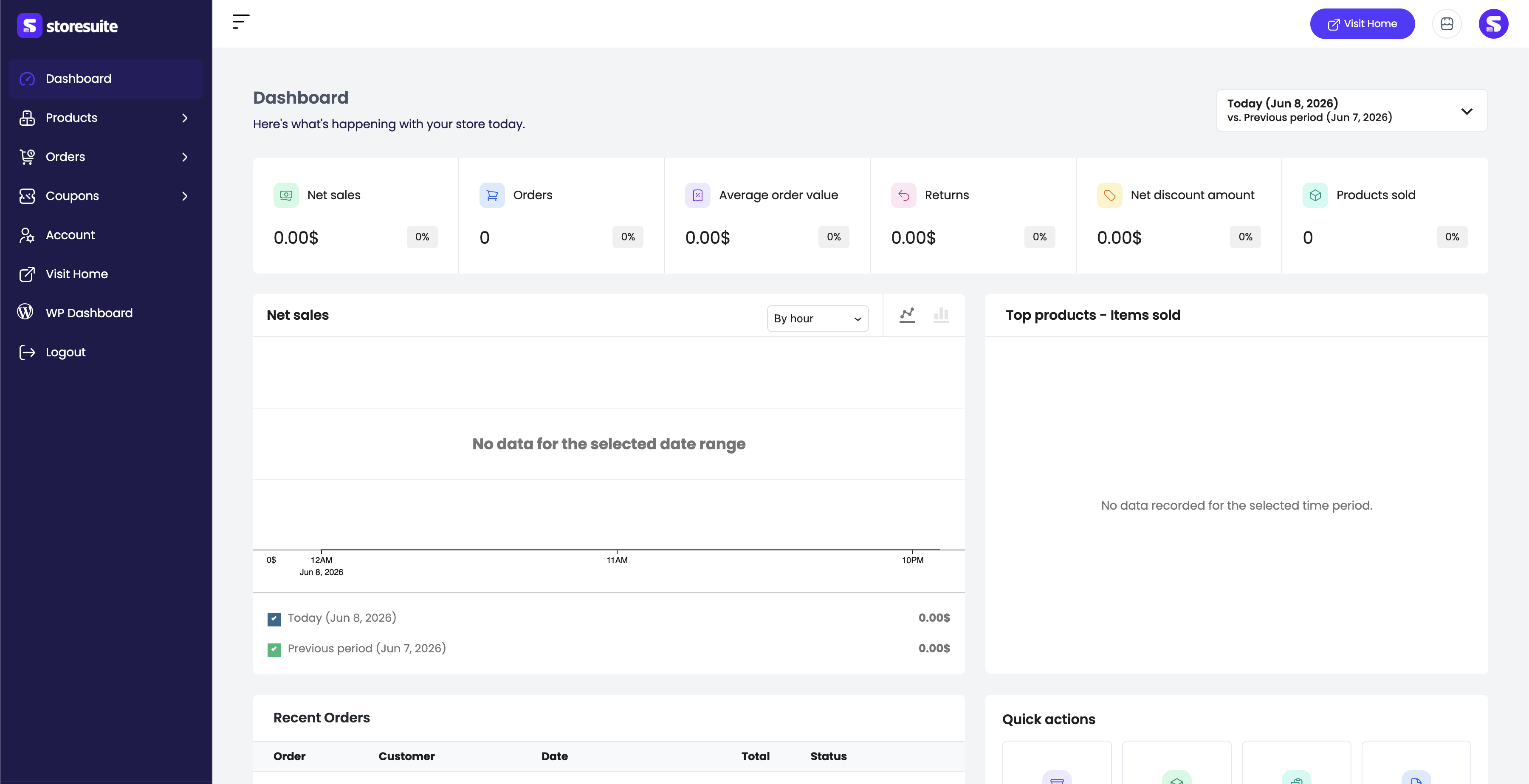
Sales KPIs, a net-sales chart and average order value at a glance. Top-product leaderboards rank themselves, and recent orders sit front and center with quick actions.
Net sales
$48.2k
+18%
Orders
1,284
+9%
Avg. order
$37.5
+4%
Top products

One frontend dashboard for the whole catalog — products, orders, coupons and analytics. No credit card. Free forever.
Get started. It’s FREEAI-powered efficiency
Built on the WordPress core AI connector — bring your own provider and keys. You stay in control of models and spend.
Add product
Generate with AIAll-in-one generator
Type one hint and StoreSuite drafts the product title, short description, and long description together. Draft any single field on demand, regenerate until it fits, and step back through earlier ideas with a history pager on every field.
Featured image
Generate with AIAI image generation
Describe a featured or gallery image, preview it, regenerate, and drop it straight into the media library — no design tools required. Set custom system instructions per field so the AI writes, and draws, in your voice.
Everything included
No feature gates. No trial limits. No upsell — it's all here, free.
List, add, and edit simple, variable, grouped, and external/affiliate products from one clean frontend screen.
Manage attributes and variations with bulk actions and one-click generate-all-variations.
Create and organize global product attributes and their terms without touching wp-admin.
Full CRUD for product categories, tags, and brands, nested neatly under Products.
Create, edit, and manage WooCommerce coupons with the discounts and rules your store needs.
View, create, and edit orders with full customer and line-item detail — HPOS compatible.
Sales KPIs, a net-sales chart, top-product leaderboards, and recent orders — live the moment you log in.
Export product lists to CSV for reporting, accounting, or migration with a configurable export modal.
Predefined and custom color palettes, sidebar logo, and a collapsible icon rail — your dashboard, your brand.
Tested up to WordPress 7.0
HPOS
High-Performance Order Storage
Hardened
manage_woocommerce gated
BYO AI
Your provider, your keys
GPL
Open source on WordPress.org
FAQs
Yes. StoreSuite is free and open source on WordPress.org. Capabilities that other dashboards lock behind a Pro plan — AI generation, variable products, analytics, CSV export — are included with no feature gates, trial limits, or upsells.
Yes. StoreSuite requires WooCommerce to be installed and activated. It is fully compatible with WooCommerce High-Performance Order Storage (HPOS).
StoreSuite is built on the WordPress 7.0 central AI connector — you bring your own provider and keys. Generation runs on the provider you configure in WordPress, so you stay in control of models and spend. AI features require WordPress 7.0+ and are hidden automatically when unavailable.
Any user with the manage_woocommerce capability — typically Administrators and Shop Managers — can use the dashboard by visiting the page that contains the [storesuite_dashboard] shortcode.
WordPress 6.9 or higher and PHP 8.1 or higher, with WooCommerce active. AI generation additionally requires WordPress 7.0+. Tested up to WordPress 7.0.
StoreSuite flushes rewrite rules automatically on activation and update. In the rare case URLs 404, go to Settings → Permalinks and click Save Changes to refresh the routes.
Install StoreSuite in minutes and manage your entire WooCommerce catalog — with AI on your side. Free, forever.
Free & open source · By Md Aminur Islam · Version 1.1.2